
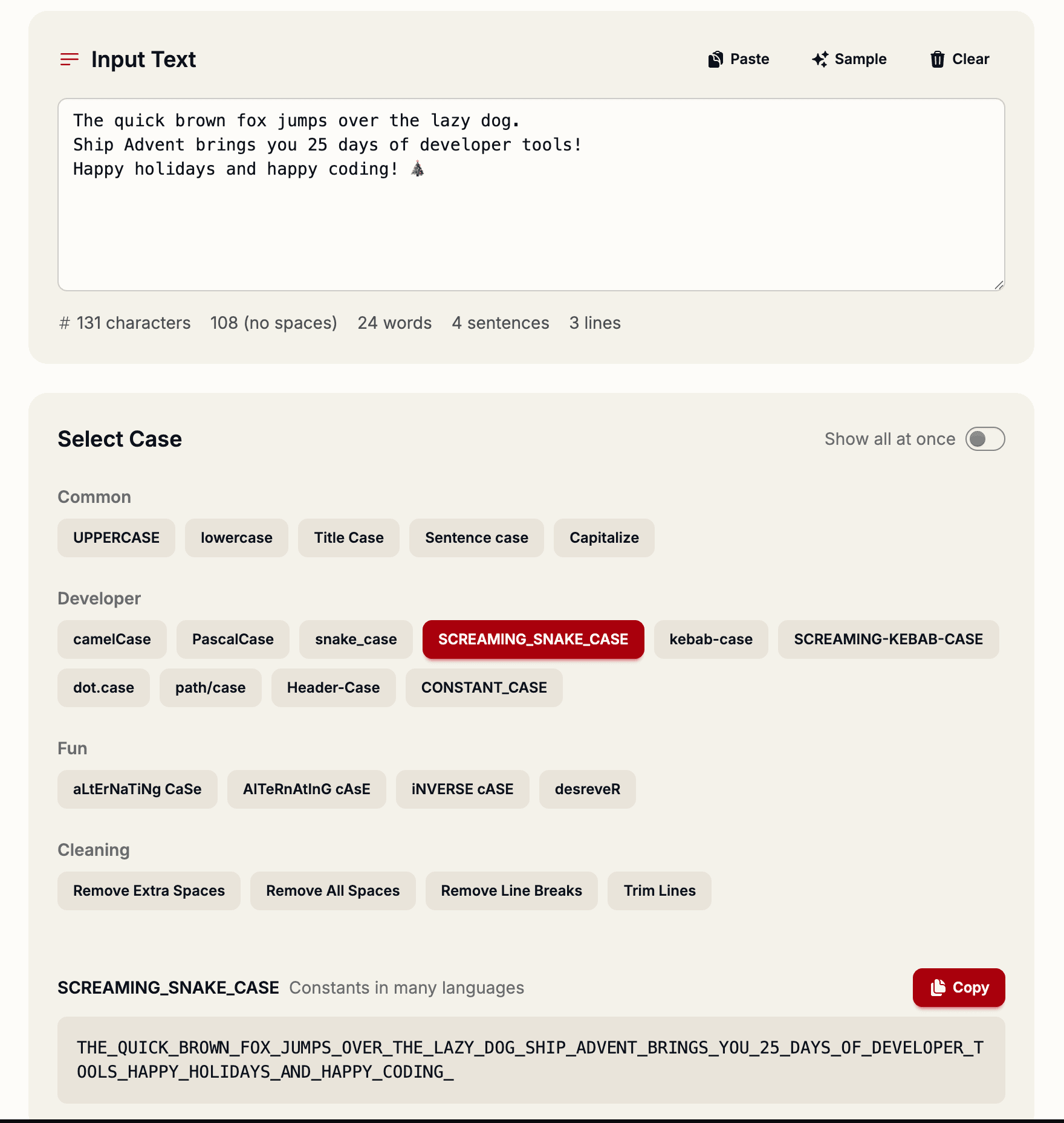
One of the most common tasks in development is converting text between different case formats. Whether you're switching between languages that prefer different naming conventions, or translating between backend and frontend naming styles, case conversion is essential—and tedious to do manually.
Why Case Formatting Matters
Different languages and frameworks have strong opinions about naming conventions:
- JavaScript and TypeScript — Prefer camelCase for variables and functions, PascalCase for classes
- Python and Rust — Use snake_case for functions and variables, CONSTANT_CASE for constants
- CSS and HTML — Use kebab-case for class names and IDs
- Environment variables — Always UPPERCASE_WITH_UNDERSCORES
When you're working across multiple languages or frameworks in the same day, manually converting between these formats wastes time and introduces typos.
The Text Case Converter Solution
The Text Case Converter transforms your text into 11 different formats instantly. Just paste your text, and see all variations with one-click copy for each.
Available Conversions
- Developer Formats — camelCase, PascalCase, snake_case, kebab-case, CONSTANT_CASE, dot.case, path/case
- Text Formats — UPPERCASE, lowercase, Title Case, Sentence case
- Bonus Format — Alternate cAsE for those quirky moments
Each format has a dedicated button for instant copying, so you never need to manually select the exact text you need.
Real-World Examples
Let's say you have a user identifier field from an API response:
user identifierIn one click, you get:
userIdentifier— JavaScript variableUserIdentifier— TypeScript class nameuser_identifier— Python function or Django model fielduser-identifier— CSS class nameUSER_IDENTIFIER— Environment variable
Text Statistics Included
Beyond case conversion, the tool also provides helpful text metrics:
- Word count — How many words in your text
- Character count — Total characters (useful for character limits)
- Line count — Helpful for multi-line inputs
Perfect for Batch Conversions
Sometimes you need to convert multiple items at once. The bulk conversion feature with preview lets you transform entire lists of variable names, keeping your codebase consistent across files and languages.
Try it now at shipmas-advent.com/day/5 — no account required. 🔤