
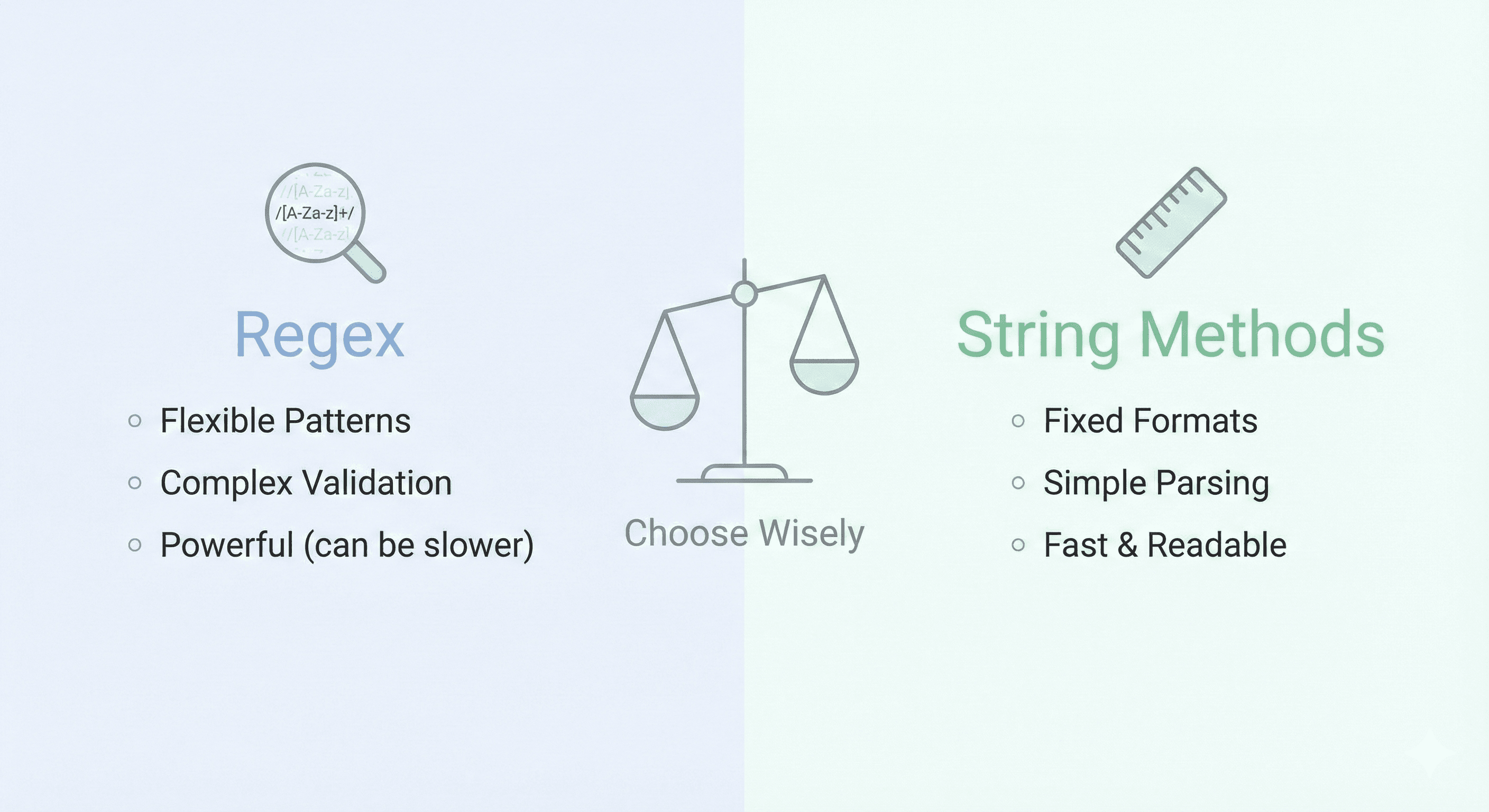
Every developer faces this decision: Should I solve this parsing problem with regex or string methods? The answer isn't simple. Both have strengths. Both have gotchas. And the wrong choice can turn a simple task into a debugging nightmare.
The Fundamental Difference
String methods (split, slice, substring, indexOf) work on exact sequences. They're fast, readable, and predictable for fixed-format data.
Regex works on patterns. It's flexible, powerful, and perfect for validation and fuzzy matching — but it's slower and harder to read if you're not careful.
When to Use String Methods
Fixed-Format Data
If you know exactly where your data is, use string methods:
- Parsing CSV with consistent columns — split() is faster than regex
- Extracting a substring at a known position — slice() or substring() beats regex
- Checking if a string contains a specific sequence — includes() or indexOf() is clearer than /pattern/
Example: Parsing HH:MM:SS timestamp
// String method (clear, fast)
const time = "14:30:45";
const [hours, minutes, seconds] = time.split(":").map(Number);

// Regex (slower, harder to read)
const match = time.match(/(d+):(d+):(d+)/);
const [_, hours, minutes, seconds] = match;
The string method is 3-5x faster for this task and immediately readable.
Performance-Critical Code
In tight loops or high-throughput applications, string methods significantly outperform regex. If you're processing millions of records, 2ms per regex vs 0.2ms per string method adds up to hours.
Simple Validations
Checking for exact matches:
// String method
if (email.includes("@") && email.includes(".")) {
  // likely an email
}

// Regex (overkill)
if (/^[^s@]+@[^s@]+.[^s@]+$/.test(email)) {
  // definitely more robust, but more complex
}
When to Use Regex
Pattern Matching (Validation, Extraction, Replacement)
Regex shines when you don't know the exact format:
- Email validation — Patterns vary; regex handles flexibility
- Phone number extraction — May start with +, (, or just digits; regex captures all variants
- Find and replace — "Replace all dates in YYYY-MM-DD format with DD/MM/YYYY" requires regex
- Removing whitespace or special characters — replace(/s+/g, "") is cleaner than string methods
Example: Extracting all URLs from text
// String methods (tedious, fragile)
const urlStart = text.indexOf("http");
// ... 20 lines of edge case handling

// Regex (powerful, concise)
const urls = text.match(/https?://[^s]+/g);
Regex handles this elegantly. String methods would require a loop and manual edge case handling.
Fuzzy Matching and Validation
When you need flexibility:
- Username validation — "3-20 characters, alphanumeric + underscore" → regex is natural
- Password strength checking — "At least 8 chars, 1 uppercase, 1 digit" → multiple regex patterns
- Partial matching — "Find all words starting with 'test'" → regex /^test/
Multi-Part Extraction
When you need to pull multiple pieces from a string:
// Extract name and age from "John (age 30)"
const pattern = /^(.+?)s+(ages+(d+))$/;
const [_, name, age] = "John (age 30)".match(pattern);

// With string methods: 5+ lines, fragile
Performance Comparison
Benchmarks for 1 million iterations (typical operations):
- split() a known delimiter — ~1ms per 1M iterations
- regex split() same delimiter — ~15ms per 1M iterations (15x slower)
- indexOf() check — ~0.5ms per 1M iterations
- regex test() same check — ~5ms per 1M iterations (10x slower)
- Complex regex extraction — ~50ms per 1M iterations
- Complex string parsing equivalent — ~80ms per 1M iterations (sometimes slower!)
The takeaway: String methods are faster for simple tasks, but regex catches up when the parsing logic is complex (because string method equivalents get verbose and inefficient).
The Decision Framework
Use this flow chart when deciding:
- Is the data format fixed and known? → Use string methods
- Is this in a performance-critical loop processing millions of items? → Use string methods if format is fixed, regex if pattern varies
- Do you need validation or fuzzy matching? → Use regex
- Is the parsing logic complex? → Regex is often clearer than 10+ lines of string method chaining
- Are you replacing/transforming based on patterns? → Use regex
Real-World Examples
Example 1: Parsing Log Lines
// Log: "2025-12-04 14:30:45 [ERROR] Database connection failed"

// Regex approach (better here)
const pattern = /^(d{4}-d{2}-d{2})s+(d{2}:d{2}:d{2})s+[(w+)]s+(.+)$/;
const [_, date, time, level, message] = logLine.match(pattern);

// String methods approach (verbose)
const [dateStr, rest] = logLine.split(" ", 1);
const timeStr = rest.substring(0, 8);
// ... 5 more lines
Regex wins here because the log format is consistent but multi-part.
Example 2: Parsing CSV Data
// Simple CSV: "John,30,Engineer"

// String method (best here)
const [name, age, role] = line.split(",");

// Regex approach (overkill)
const [_, name, age, role] = line.match(/^([^,]+),([^,]+),([^,]+)$/);
String methods are clearer and faster.
Example 3: Email Extraction from Text
// Text: "Contact me at john@example.com or jane@company.co.uk"

// Regex approach (much better here)
const emails = text.match(/[^s@]+@[^s@]+.[^s@]+/g);

// String methods approach (would need 20+ lines to handle all edge cases)
Regex is the only practical choice here.
Common Mistakes to Avoid
Mistake 1: Using regex when string methods are sufficient
If you can solve it with split() or indexOf() in one line, do that instead of reaching for regex. Your teammates will thank you.
Mistake 2: Using string methods for complex pattern matching
If you write 10+ lines of string method chaining, stop and use regex. It's likely clearer and faster at that complexity level.
Mistake 3: Not considering performance in high-volume scenarios
Processing 10 strings? Use whatever is clearest. Processing 10 million? Profile both approaches and choose the faster one.
Best Practices: Having Both Tools
- Learn regex well enough to use it confidently — Not mastery, but competence. Know lookahead, groups, and escape sequences.
- Know your string methods inside out — split(), slice(), substring(), indexOf(), includes(), replace(), match()
- Use the right tool for the job — Simple parsing? Strings. Complex patterns? Regex.
- Optimize later — Code readability first. Profile performance if it matters. Then optimize.
- Test both approaches on your actual data — Performance can vary depending on string size and pattern complexity.
Tool Recommendation
When you're building and testing regex patterns, having a visual tester is invaluable. Rather than tweaking blind and running code repeatedly, you can see matches highlighted in real-time.
Ship Advent's Regex Tester makes this faster. Test your pattern, verify it works on edge cases, and copy the final pattern into your code with confidence.
The best tool choice is the one you understand deeply. Mastery beats frameworks — whether that's mastery of regex patterns or string method chaining. Pick one, own it, then use the other when it's actually better.
Next time you face the regex vs. strings decision, use this framework. And when you're testing your choice, use a tool that gives you instant feedback. Try the Regex Tester to speed up the experimentation process. 🔍